Overview:
Updating your payment information is quick and straightforward. This article walks you through how to add a new payment method or update an existing one.
How to Add/Update Your Payment Method
- From your left navigation bar, select Account Settings.
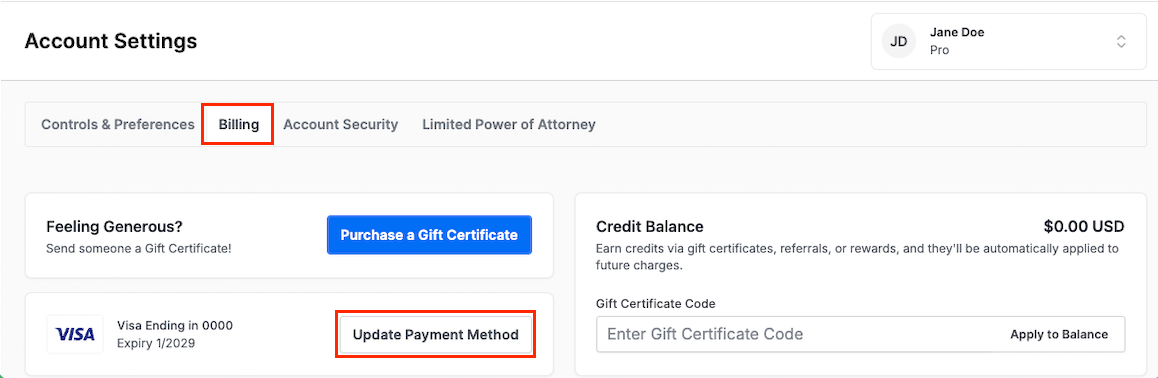
- Click the Billing tab.
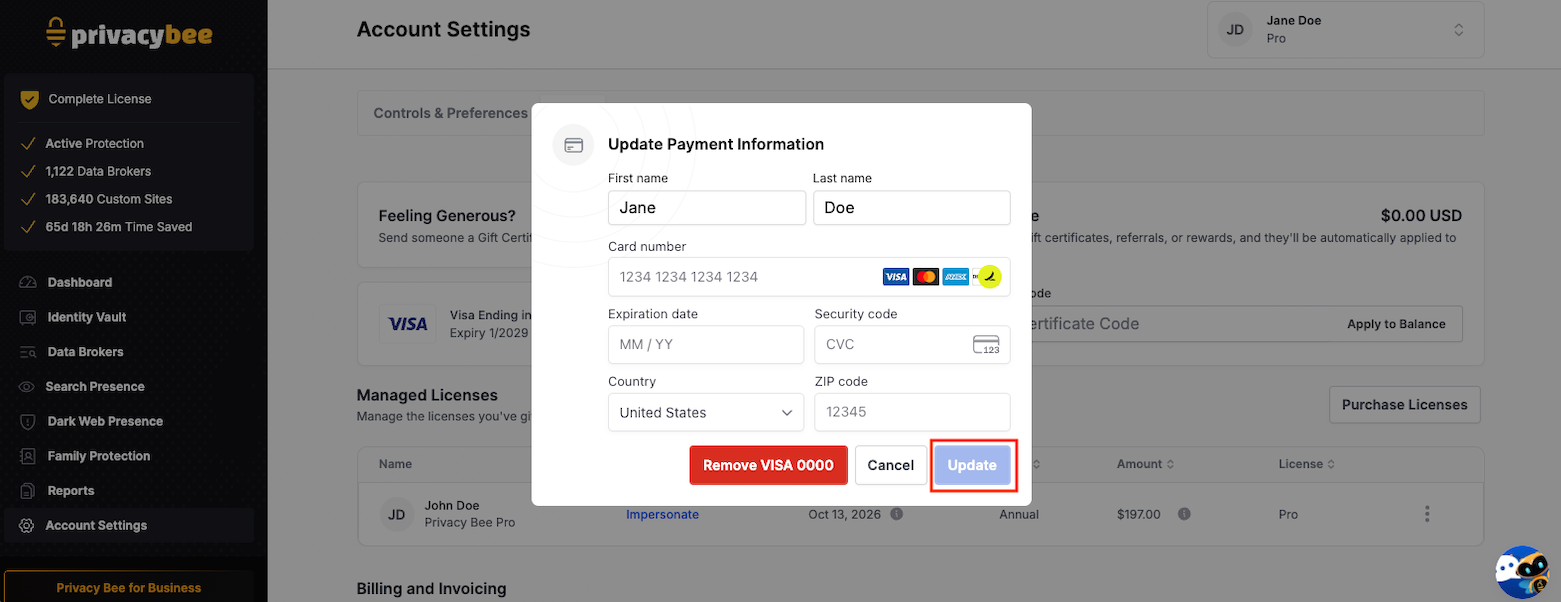
- Select Update Payment Method to replace your current card, or Add Credit Card to add a new one.
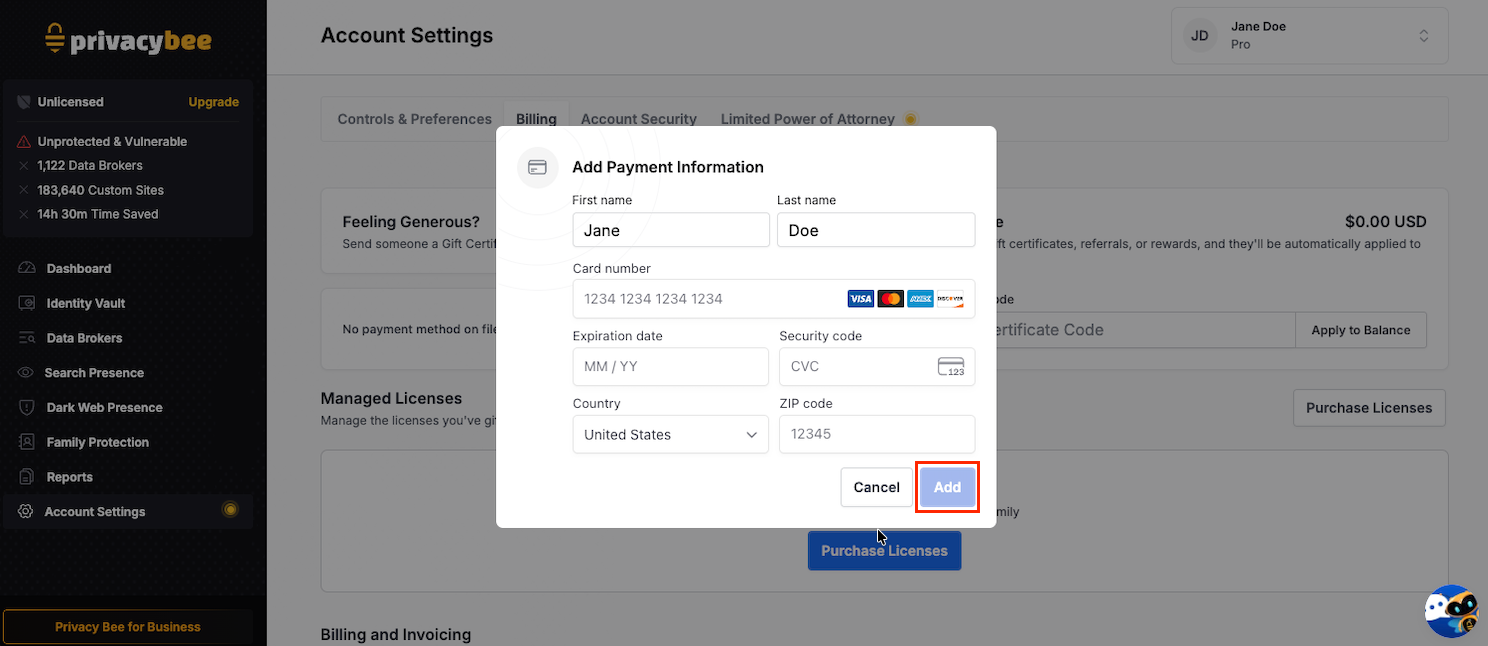
- Enter your card details, including cardholder name, card number, expiration date, and CVC.
- Click the blue Add button to save your changes.
Your payment information is processed through a secure payment page. Privacy Bee does not store your full card details.